Best Smart Tips Software for Vue.js
Join 2,200+ companies using Produktly to create exceptional smart tips that provide context-aware help right where it is needed most on Vue.js.




Why Produktly Smart Tips is Perfect for Vue.js
Integrated onboarding for Vue.js applications. Produktly makes it easy to guide users through your Vue components and reactive state.
Supercharge Your Vue.js Experience
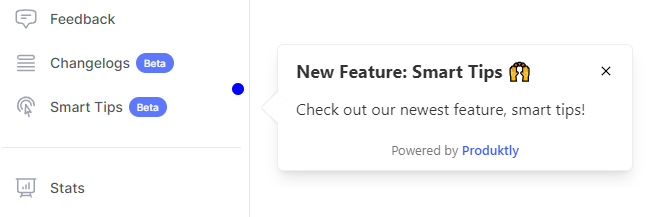
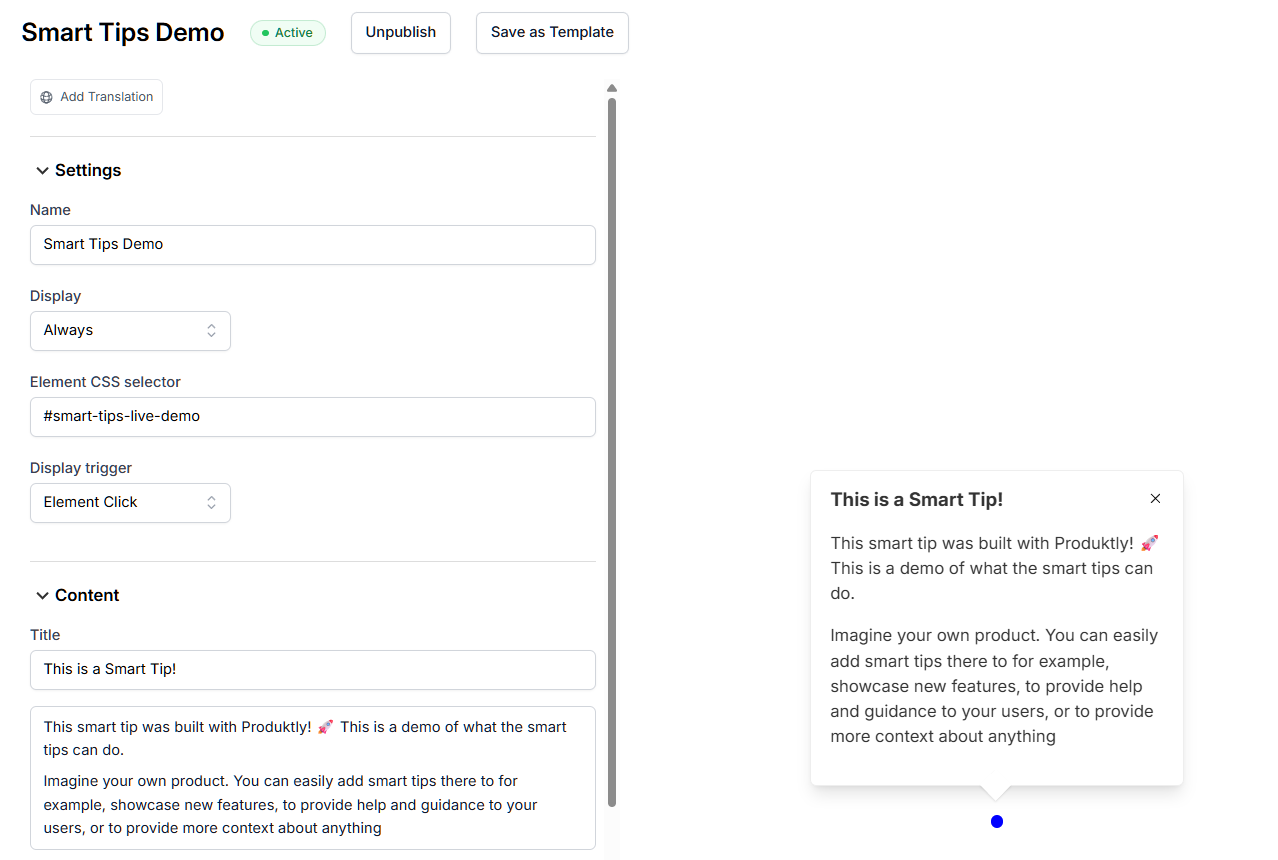
Proactively and non-intrusively guide users through your product with contextual highlights.
Non-Intrusive Guidance
- Guide users through your app with subtle, helpful tips.
Rich Media Support
- Embed videos and GIFs directly into your smart tips.
Quick Integration
- Add smart tips to your site in less than 5 minutes.

Simple Integration with Vue.js
Getting started with Produktly smart tips on your Vue.js project is quick and easy.
How to integrate:
- 1
Get your unique Produktly script from the settings page.
- 2
Add the script to your index.html file.
- 3
Open your Vue app and use the Produktly editor to select elements.
- 4
Create and publish interactive tours in minutes.

Vue.js and in-app guidance
Vue’s reactivity model rebuilds parts of the DOM whenever reactive state changes. Single-file components scope CSS by default, which adds hashes to class names that you can’t rely on for targeting. Anything that hooks into specific elements needs stable attributes the bundler won’t rewrite.
Most production Vue apps use Vue Router, so navigation is client-side. Tours that span multiple routes have to listen to router transitions, not page loads, otherwise they stall the moment the URL changes.
Installing Produktly on Vue.js
Add the snippet to public/index.html so it loads once for the whole app, before Vue mounts.
<!-- public/index.html -->
<script>
  (function (w, d, f) {
    var a = d.getElementsByTagName("head")[0];
    var s = d.createElement("script");
    s.async = 1; s.src = f;
    s.setAttribute("id", "produktlyScript");
    s.dataset.clientToken = "YOUR_TOKEN";
    a.appendChild(s);
  })(window, document, "https://public.produktly.com/js/main.js");
</script>
If you only have access to runtime code, drop the IIFE into your main.js before app.mount() and it loads the same way.
Things to watch out for on Vue.js
Scoped CSS hashes break selectors
Vue rewrites class names like .button to .button[data-v-abc123]. Target elements with stable data-* attributes you control, not Vue-generated class names.
Vue Router transitions are not page loads
Switch on Produktly’s SPA redirect mode so step changes follow router-link navigation instead of waiting for a full page reload that never happens.
v-if removes nodes from the DOM entirely
Elements behind v-if disappear from the DOM when false. If your tour targets one, ensure the condition is true before the step fires, or use v-show to keep the element present.
Why teams on Vue.js pick Produktly
Vue teams pick Produktly because the script tag works the same on Vue 2 and Vue 3, no version-specific SDK to maintain. SPA-aware redirect handling pairs cleanly with Vue Router, and the visual editor lets you target elements without rewriting templates to expose new refs.
Other Vue.js Guides
Product Tours
Product Tours software for Vue.js.
Announcements
Announcements software for Vue.js.
Checklists
Checklists software for Vue.js.
Feedback Widgets
Feedback Widgets software for Vue.js.
Tool Tips
Tool Tips software for Vue.js.
Roadmaps
Roadmaps software for Vue.js.
NPS Widgets
NPS Widgets software for Vue.js.
Micro Surveys
Micro Surveys software for Vue.js.
Changelogs
Changelogs software for Vue.js.
Similar Platforms for Smart Tips
React
Best smart tips software for your React app.
Next.js
Best smart tips software for your Next.js app.
Angular
Best smart tips software for your Angular app.
Svelte
Best smart tips software for your Svelte app.
Astro
Best smart tips software for your Astro app.
Nuxt
Best smart tips software for your Nuxt app.
Remix
Best smart tips software for your Remix app.
Gatsby
Best smart tips software for your Gatsby app.