Best Smart Tips Software for Squarespace
Join 2,200+ companies using Produktly to create exceptional smart tips that provide context-aware help right where it is needed most on Squarespace.




Why Produktly Smart Tips is Perfect for Squarespace
Add a layer of guidance to your Squarespace site. Perfect for membership sites or digital products on Squarespace.
Supercharge Your Squarespace Experience
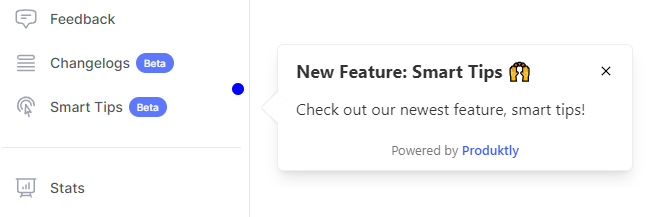
Proactively and non-intrusively guide users through your product with contextual highlights.
Non-Intrusive Guidance
- Guide users through your app with subtle, helpful tips.
Rich Media Support
- Embed videos and GIFs directly into your smart tips.
Quick Integration
- Add smart tips to your site in less than 5 minutes.

Simple Integration with Squarespace
Getting started with Produktly smart tips on your Squarespace project is quick and easy.
How to integrate:
- 1
Copy your Produktly integration script.
- 2
In Squarespace, go to Settings > Advanced > Code Injection.
- 3
Paste the script into the Header section.
- 4
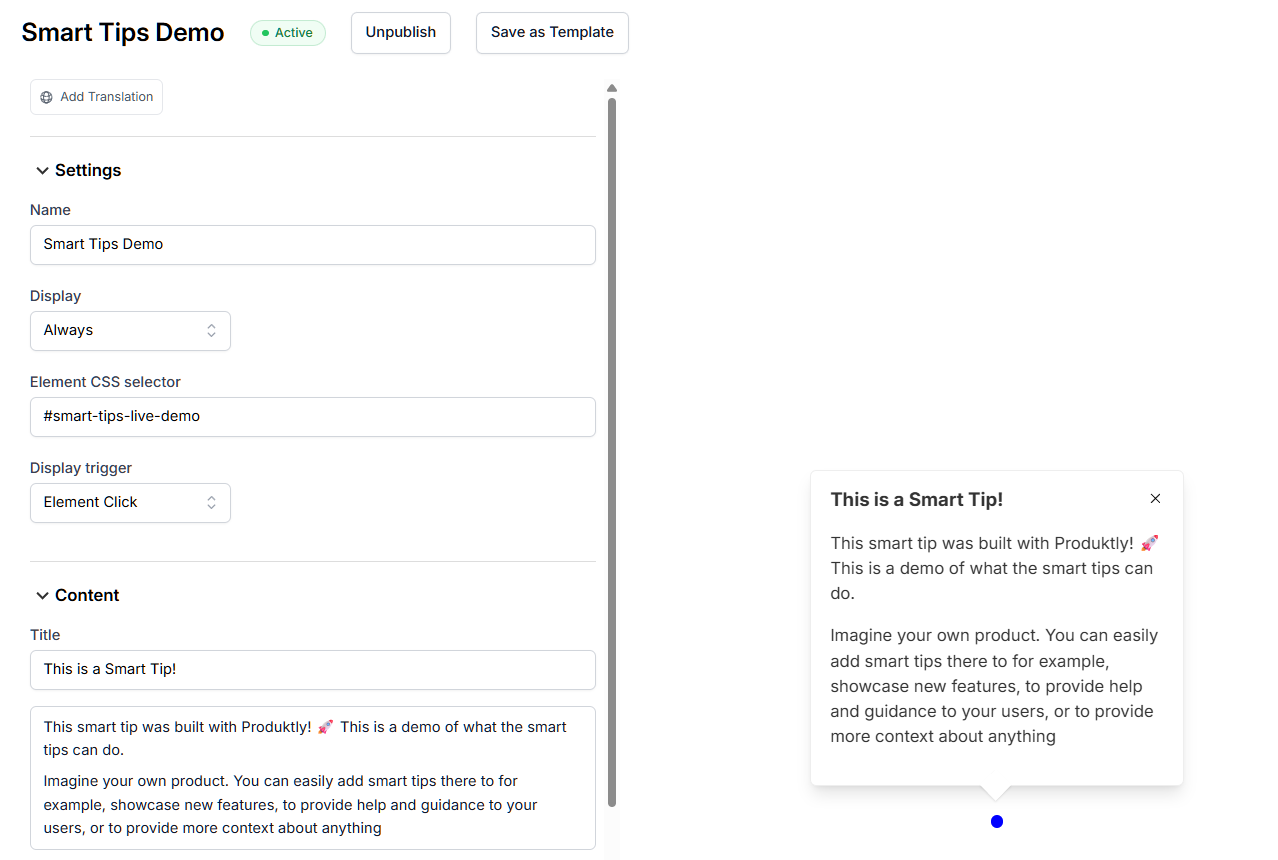
Navigate to your site and use our visual editor to build tours.

Squarespace and in-app guidance
Squarespace is a multi-page site builder with full reloads between pages by default. Each page has its own URL, so tours that move between pages just need the snippet loaded sitewide, which Code Injection handles. AJAX-loaded behavior (image grids, lightboxes) re-renders parts of the page without a full reload, which matters if you’re targeting those areas.
Class names in Squarespace are template-defined and stable within a template version, but a template change can rewrite them entirely. For tour targets that need to survive template updates, prefer block IDs (visible in the URL of any block when editing).
Installing Produktly on Squarespace
Paste the snippet into Settings > Advanced > Code Injection > Header so it loads on every page.
<!-- Squarespace > Settings > Advanced > Code Injection > Header -->
<script>
  (function (w, d, f) {
    var a = d.getElementsByTagName("head")[0];
    var s = d.createElement("script");
    s.async = 1; s.src = f;
    s.setAttribute("id", "produktlyScript");
    s.dataset.clientToken = "YOUR_TOKEN";
    a.appendChild(s);
  })(window, document, "https://public.produktly.com/js/main.js");
</script>
Code Injection requires a Business plan or higher. Personal plans don’t expose this setting.
Things to watch out for on Squarespace
Personal plans cannot add Code Injection
You need at least the Business plan to inject custom <script> tags. Upgrade or use a Squarespace embed block on a specific page if you can’t.
Member-only pages may strip scripts
Squarespace Member Areas occasionally strip custom code from gated pages. Test inside a member account to confirm the snippet is loading.
AJAX page loading skips full reloads
If you enabled AJAX page loading in your template, navigations don’t reload the page. Turn on Produktly’s SPA redirect mode in that case.
Why teams on Squarespace pick Produktly
Squarespace teams pick Produktly because the snippet ships sitewide via Code Injection in under a minute. The visual editor works against the rendered DOM, so tours target what visitors actually see, not Squarespace’s internal template structure.
Other Squarespace Guides
Product Tours
Product Tours software for Squarespace.
Announcements
Announcements software for Squarespace.
Checklists
Checklists software for Squarespace.
Feedback Widgets
Feedback Widgets software for Squarespace.
Tool Tips
Tool Tips software for Squarespace.
Roadmaps
Roadmaps software for Squarespace.
NPS Widgets
NPS Widgets software for Squarespace.
Micro Surveys
Micro Surveys software for Squarespace.
Changelogs
Changelogs software for Squarespace.
Similar Platforms for Smart Tips
Webflow
Best smart tips software for your Webflow app.
Framer
Best smart tips software for your Framer app.
Wix
Best smart tips software for your Wix app.
Carrd
Best smart tips software for your Carrd app.
Weebly
Best smart tips software for your Weebly app.
Duda
Best smart tips software for your Duda app.
Jimdo
Best smart tips software for your Jimdo app.